IPTV Guide • UK Viewers
What Is B1G Player?
B1G Player is an IPTV player app — the application you install on a compatible device (Firestick, Android TV, Smart TV, phone or computer) to watch live TV, sports, movies and series through an active IPTV subscription. It provides the viewing interface: the channel list, programme guide, search and favourites. It is not the subscription itself.
That distinction confuses almost everyone at first, so let's clear it up properly with this guide from B1G Player UK.
Verified Guide • Free Trial Available • 24/7 WhatsApp Support
B1G Player vs B1G IPTV Subscription: What's the Difference?
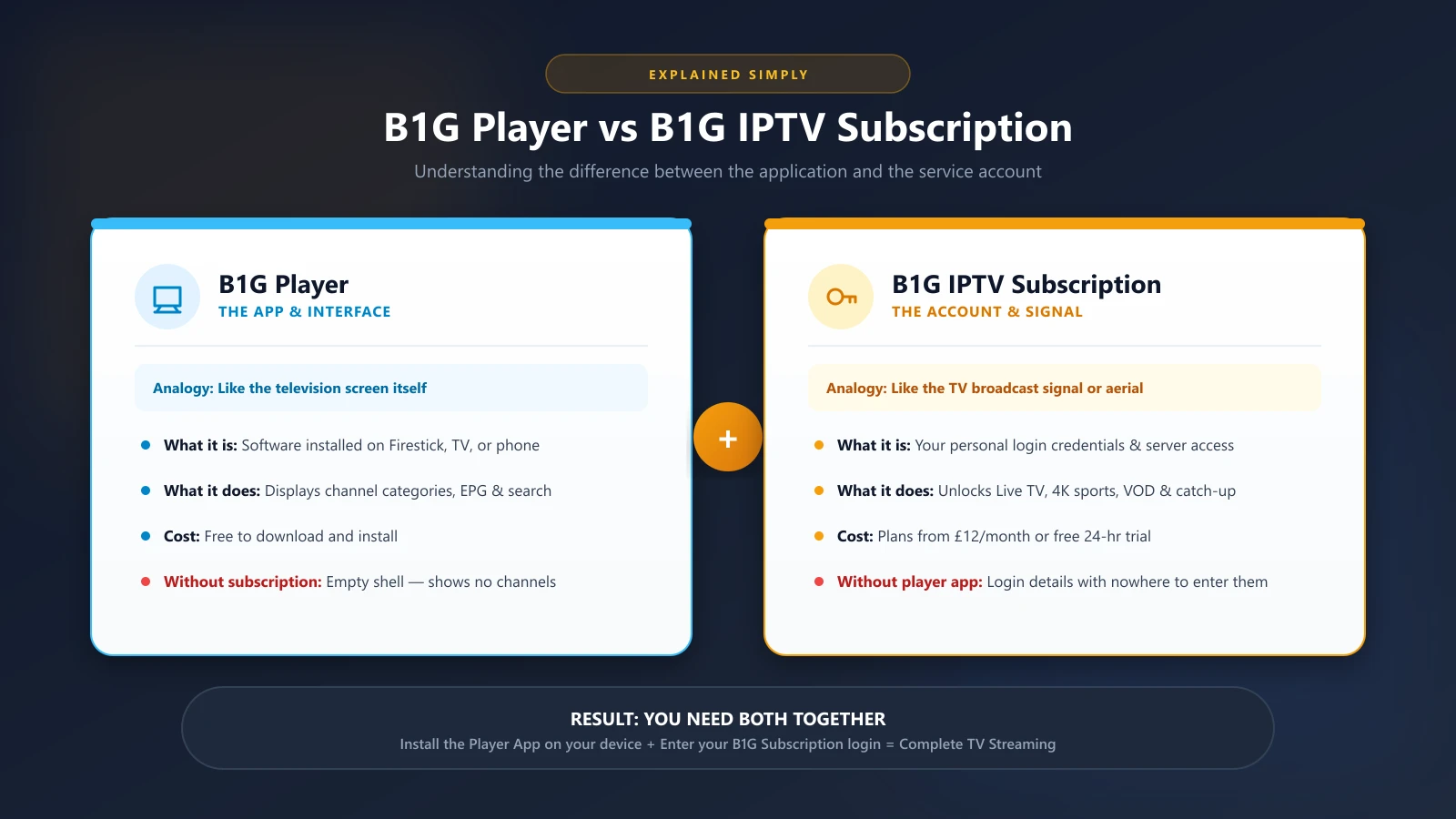
Think of it like this:
B1G Player (the app)
= the television set. It displays everything, but shows nothing without a signal.
B1G IPTV subscription (the account)
= the signal. It provides your personal login details that unlock the actual channels and on-demand content.
You need both. Installing the app alone gives you an empty interface. Buying a subscription alone gives you login details with nowhere to enter them. When people search for "b1g player download" they usually need the app; when they search for "b1g iptv" (sometimes misspelled as "big iptv") they usually need the account access. Our B1G Player app page covers the download side, and our IPTV subscription page covers plans and pricing.
What Can You Watch With B1G Player?
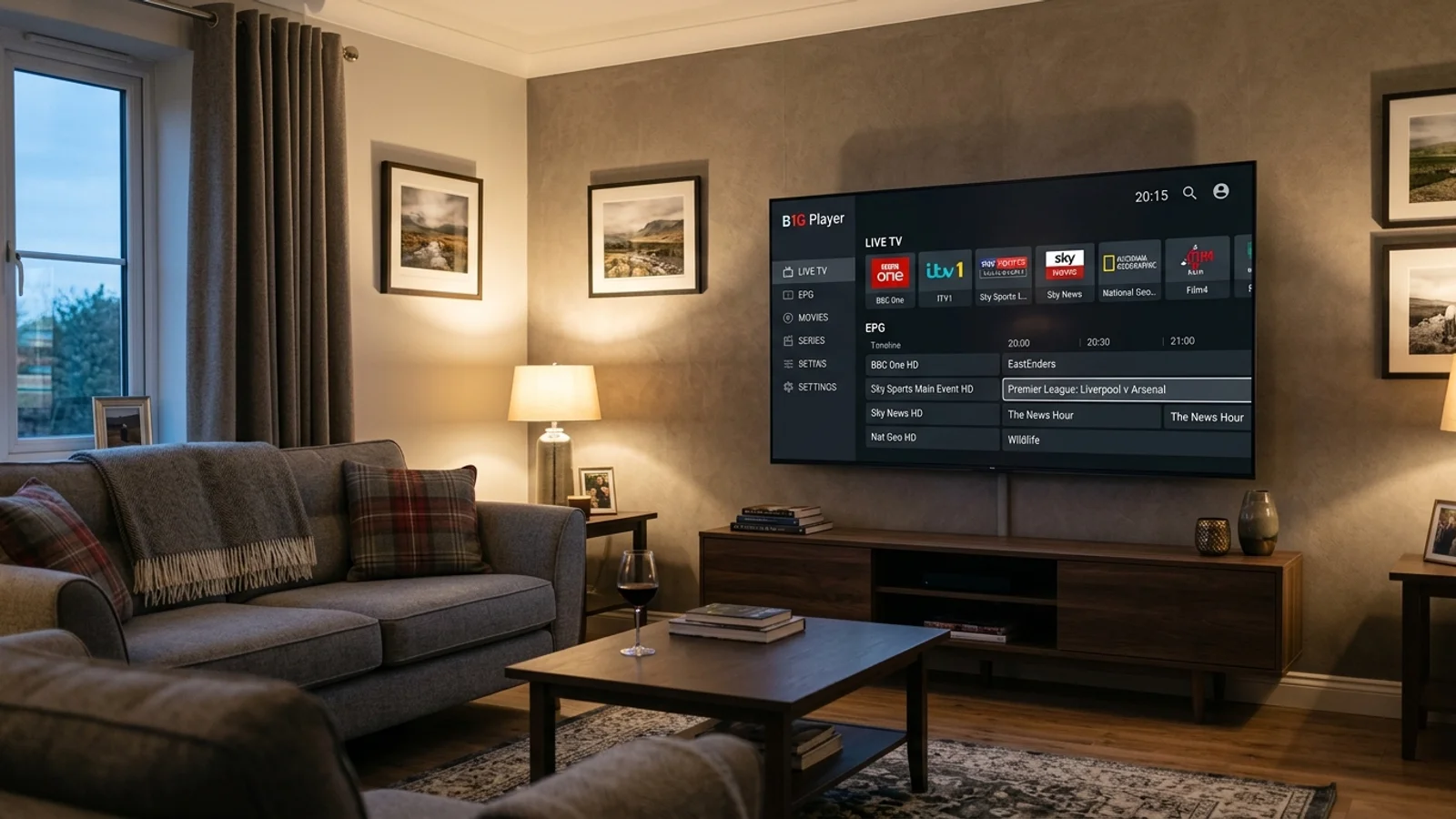
Once the app is connected to an active subscription, the interface organises your content into sections: live television categories, sports, movies, TV series, and — where supported — an electronic programme guide (EPG) and catch-up TV. Exactly what appears depends on your active subscription and your device setup, so if a specific channel or feature matters to you, confirm it with support before subscribing.
How to Download B1G Player
The download method depends on your device:
Amazon Firestick / Fire TV
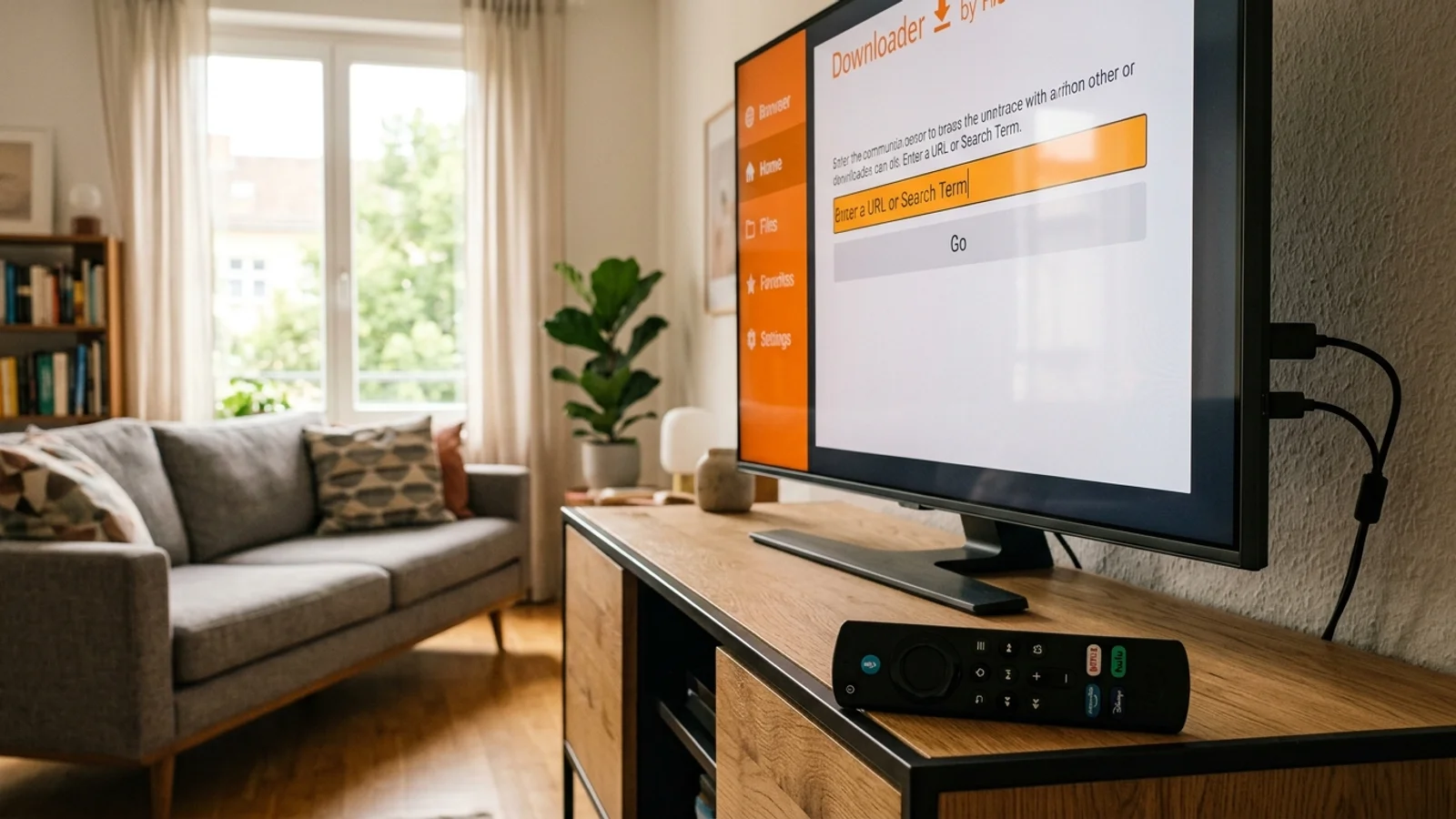
Install the free Downloader app from the Amazon Appstore, then enter the current B1G Player Downloader code. The current code is published on our B1G Player app and APK page — always use the code listed there, because codes can change and codes copied from other websites may point to a different file.
Android Phones, Tablets and Android TV
Use the same Downloader method or the APK route described in our installation guides.
Samsung / LG Smart TVs, iPhone, iPad, Windows and Mac
These don't use Android APK files. You'll use a compatible IPTV player from the TV's or phone's official app store, then enter your B1G subscription login details. Our Smart TV guide walks through it.
Safety note: only download the app through the method we publish. Random APK files from unknown websites can be outdated, modified or bundled with unwanted software.
B1G Player APK Explained
APK simply means “Android application package” — it's the installation file format for Android-based devices (Firestick, Android TV, Android phones). If you're on a Samsung Tizen TV, LG webOS TV, iPhone or iPad, an APK is useless to you; those platforms need their own app-store players. A common mistake is trying to force an APK onto every device. Check our compatible devices guide first if you're unsure.
How Much Does B1G Player Cost?
The app itself is just the player — the cost is the subscription. B1G Player UK plans are priced in GBP:
| Plan Duration | Price (GBP) | Connections | Setup Support |
|---|---|---|---|
| 1 month | £12 | 1 device connection | 24/7 WhatsApp |
| 3 months | £25 | 1 device connection | 24/7 WhatsApp |
| 6 months | £35 | 1 device connection | 24/7 WhatsApp |
| 12 months | £50 | 1 device connection | 24/7 WhatsApp |
Every plan includes one device connection, instant activation after payment, and 24/7 WhatsApp setup support. See all IPTV subscription plans for details.
Is There a B1G Player Free Trial?
Yes. You can get a free 24-hour trial — no card required. Just message us on WhatsApp and you'll receive your trial access straight away, so you can test the service on your own device and internet connection before paying anything. The trial includes 4K where your device and connection support it.
B1G Player on Firestick: The 2-Minute Summary
Firestick is the most popular device for B1G Player in the UK. The short version: install Downloader, enter the current code from our app page, install the player, then enter the login details from your trial or subscription. Our full Firestick installation guide covers each step with troubleshooting. If you ever experience issues, our Firestick installation guide and support team are here to help. One caution: Amazon's newest sticks (Fire TV Stick 4K Select and 2026 models) run Vega OS, which blocks sideloading — on those, you'll need an Appstore-listed player instead.
Follow the B1G Player blog for more setup tips, device guides, and streaming news.
Frequently Asked Questions
What is B1G Player?+
B1G Player is an IPTV player application for Firestick, Android, Smart TV and other devices. It provides the viewing interface; an active IPTV subscription provides the account access and content.
Is B1G Player free?+
The player app is free to install. Watching content requires an active subscription (from £12/month) or the free 24-hour trial.
What's the difference between B1G Player and B1G IPTV?+
B1G Player is the app (the interface). B1G IPTV is the subscription account (the login that unlocks content). You need both.
How do I get the B1G Player APK?+
On Firestick or Android, install the Downloader app and enter the current code published on our B1G Player app page. Don't use codes from random websites.
Can I try B1G Player before paying?+
Yes — message us on WhatsApp for a free 24-hour trial. No card needed, and 4K is included where supported.
How many devices can I use at once?+
Each subscription plan includes one device connection.
Get Started with B1G Player Today
Setting up B1G Player is straightforward when you follow our step-by-step guides. Test the service risk-free with our free 24-hour trial or choose one of our flexible subscription packages.